

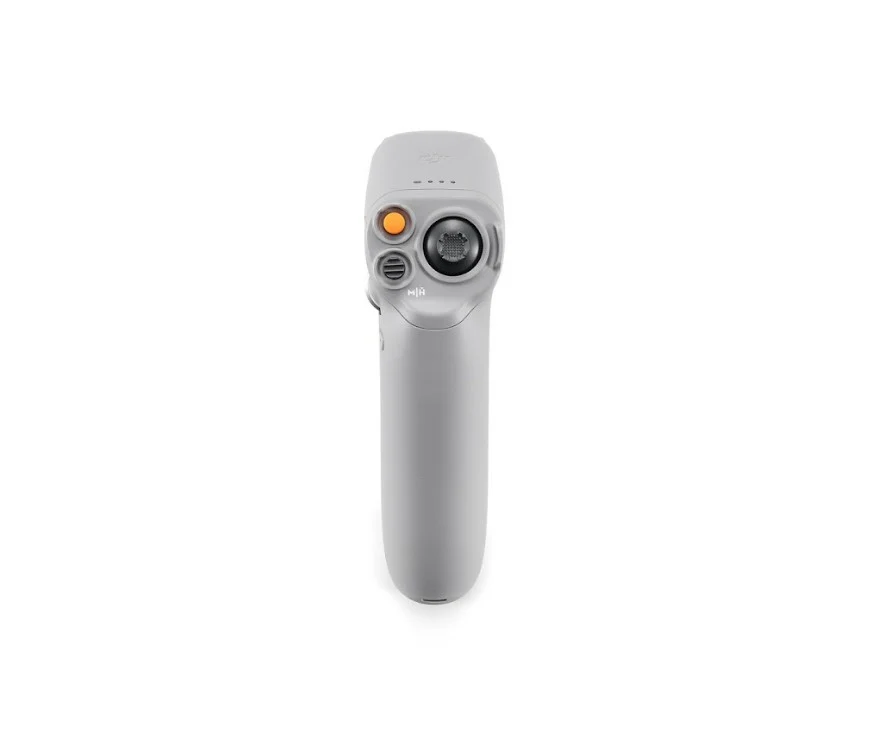
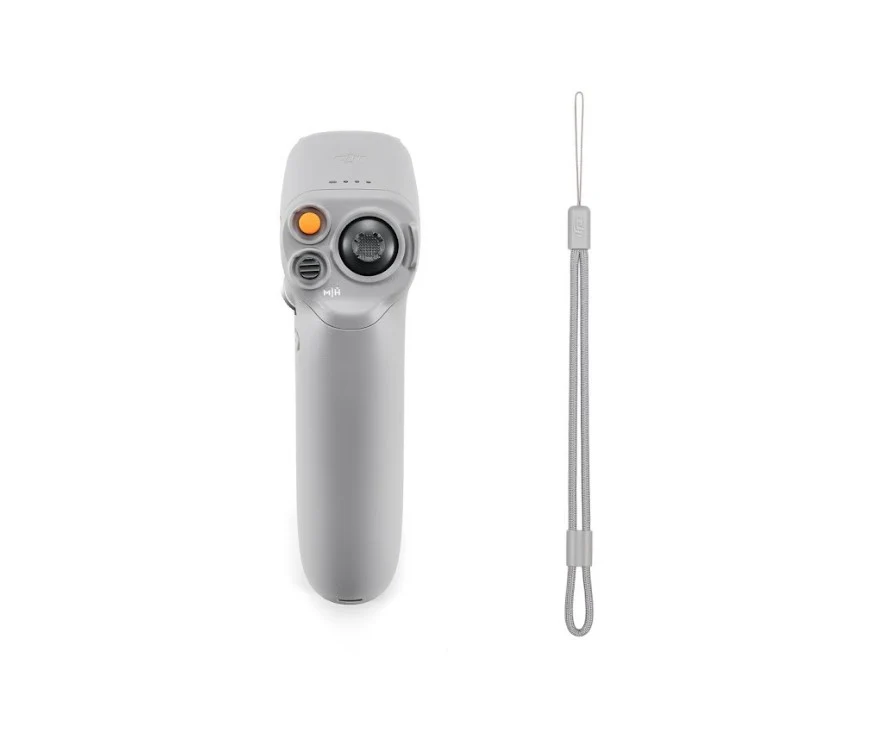
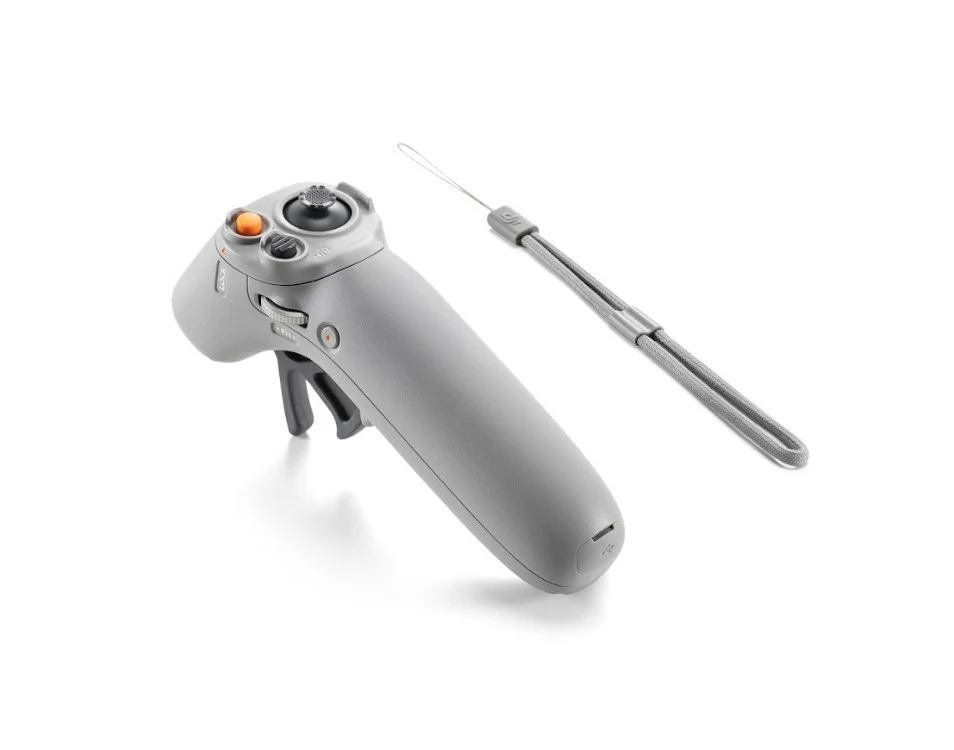
DJI RC Motion 2 – Intuitive FPV Motion Controller
Experience a more intuitive way to control FPV flight
with the DJI RC Motion 2.
Combining wrist-based motion sensing with an upgraded joystick,
responsive acceleration controls, and a convenient FN dial,
this motion controller gives pilots a practical
one-handed interface for navigating the sky.
Its accessible design makes motion-based flying
approachable for beginners while offering
additional directional control for more dynamic maneuvers.
Steer with a Simple Turn of Your Wrist
The DJI RC Motion 2 uses motion-sensing
technology to translate your wrist movements
into flight-direction controls.
A slight turn of the wrist allows you
to guide the aircraft naturally
during supported motion-control flight.
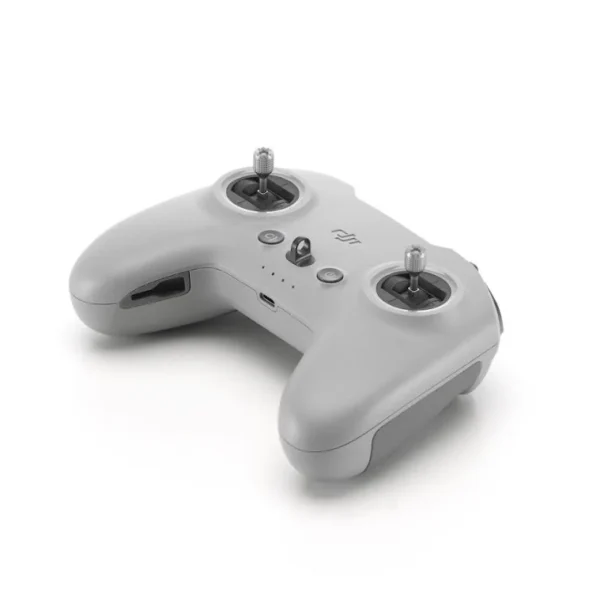
Working together with the joystick,
this control method gives pilots
a distinctive way to navigate,
change direction, and explore
different flight paths.
The intuitive interface helps new pilots
become familiar with motion-based flying
without relying entirely on the
conventional dual-stick control style.
Optimized for One-Handed Operation
DJI RC Motion 2 features a controller layout
designed for comfortable extended use
and convenient operation with one hand.
The accelerator, mode button,
lock button, and other controls
are arranged to support straightforward
access while flying.
Accessible Flight Controls
Manage supported takeoff, landing,
acceleration, and directional
functions through the controller.
Comfortable One-Handed Design
A control layout developed around
convenient single-handed use
during extended flying sessions.
Upgraded Joystick for Greater Directional Control
The upgraded joystick on DJI RC Motion 2
provides more flexible altitude
and directional control during flight.
In addition to taking off, landing,
and changing direction,
the joystick supports movements
such as strafing left or right,
making it easier to create more varied
flight paths and directional maneuvers.
Altitude Control
Adjust altitude through the
upgraded control interface.
Directional Movement
Guide the aircraft through
supported directional changes.
Sideways Flight
Strafe left or right
for additional maneuvering options.
Accelerator with Reverse Function
DJI RC Motion 2 introduces a
reverse function
through its accelerator control.
This allows pilots to fly backward
in supported situations, providing
an alternative to turning the aircraft
around when navigating a tighter flight path.
FN Dial for ISO, Shutter and Camera Settings
The dedicated FN dial
allows convenient adjustment
of camera parameters such as
ISO and shutter settings
in supported configurations.
This makes it easier to fine-tune
supported camera controls while wearing
compatible FPV goggles,
without repeatedly reaching up
to the headset to change settings.
Motion-Based Flight for Different Experience Levels
DJI RC Motion 2 is designed to make
motion-based flight approachable for
pilots who are new to this control style.
Its wrist-sensing interface
and one-handed layout provide
an intuitive starting point.
Pilots looking for additional maneuvering
options can also explore the upgraded joystick,
sideways movement, reverse acceleration,
and convenient camera-setting controls.
Actual available functions depend on
the aircraft, goggles, and supported
system configuration.
DJI RC Motion 2 Features
Frequently Asked Questions
How does DJI RC Motion 2 control a drone?
DJI RC Motion 2 uses motion sensing
to translate wrist movements into
directional control. Its upgraded joystick
provides additional movement and altitude controls.
Can DJI RC Motion 2 be operated with one hand?
Yes. Its accelerator, buttons,
joystick and other controls are designed
around convenient one-handed operation.
Does DJI RC Motion 2 support backward flight?
Yes. The supplied product information
describes a reverse function
operated through the accelerator
in supported flight configurations.
What does the FN dial do?
The FN dial provides access to supported
camera settings, including ISO
and shutter adjustments.
Which DJI drones and goggles work with RC Motion 2?
The supplied product description does not
identify specific compatible aircraft
or goggles models. Confirm the exact
DJI equipment and firmware combination
before ordering.
Compatibility Note:
Motion-control functionality and camera settings
depend on the supported aircraft, goggles,
firmware and system configuration.
Do not assume compatibility based solely
on the DJI brand or controller generation.
Specifications & Package Note:
The supplied product description does not
specify battery runtime, controller weight,
dimensions, charging requirements,
transmission range or included accessories.
Confirm these details before purchase.
Explore FPV Motion Control with DJI RC Motion 2
With intuitive wrist sensing,
an upgraded multidirectional joystick,
single-handed controls, reverse acceleration,
and a convenient FN dial,
DJI RC Motion 2 provides an engaging
motion-based flight experience
for compatible DJI drone setups.
Reviews
There are no reviews yet.