

DJI Mini 4 Pro ND Filter Set – Creative Exposure Control With ND16, ND64 & ND256
Expand your aerial photography possibilities with the
DJI Mini 4 Pro ND Filter Set.
Designed for DJI Mini 4 Pro, this three-filter collection helps you control incoming light when recording video or capturing photos in bright environments.
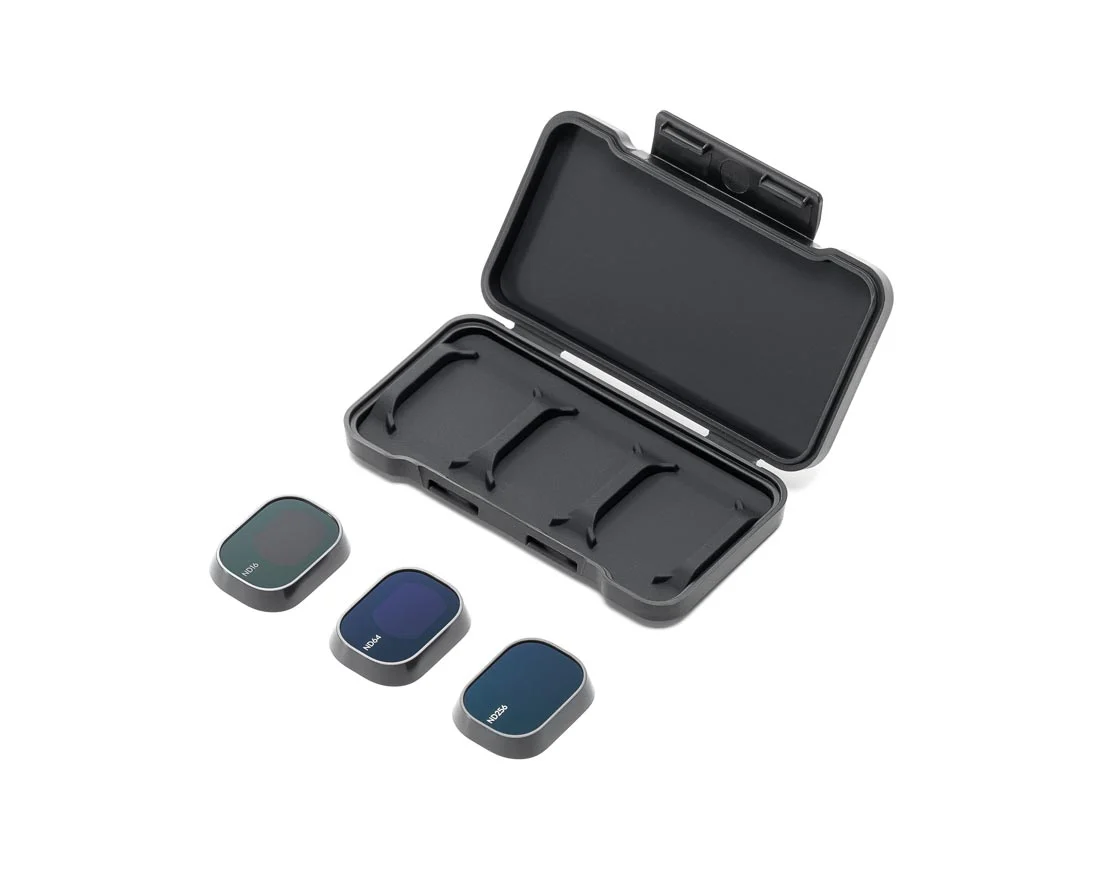
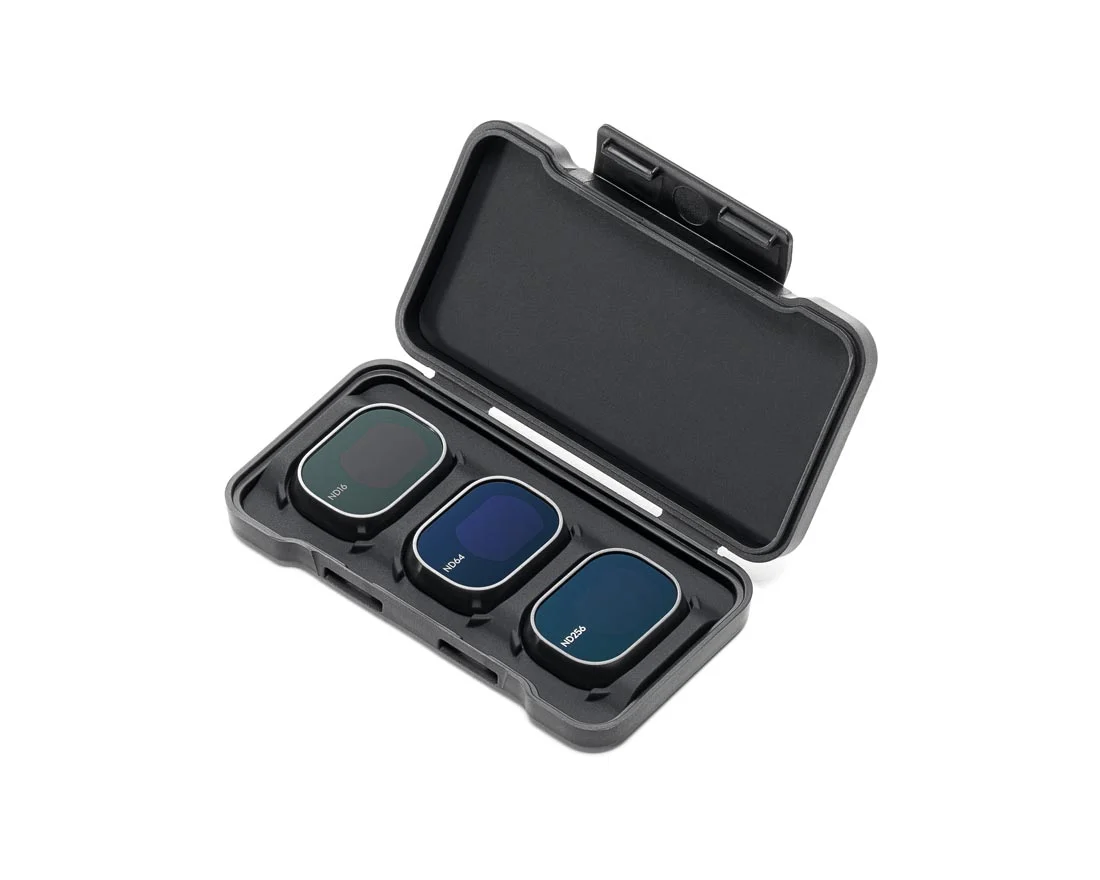
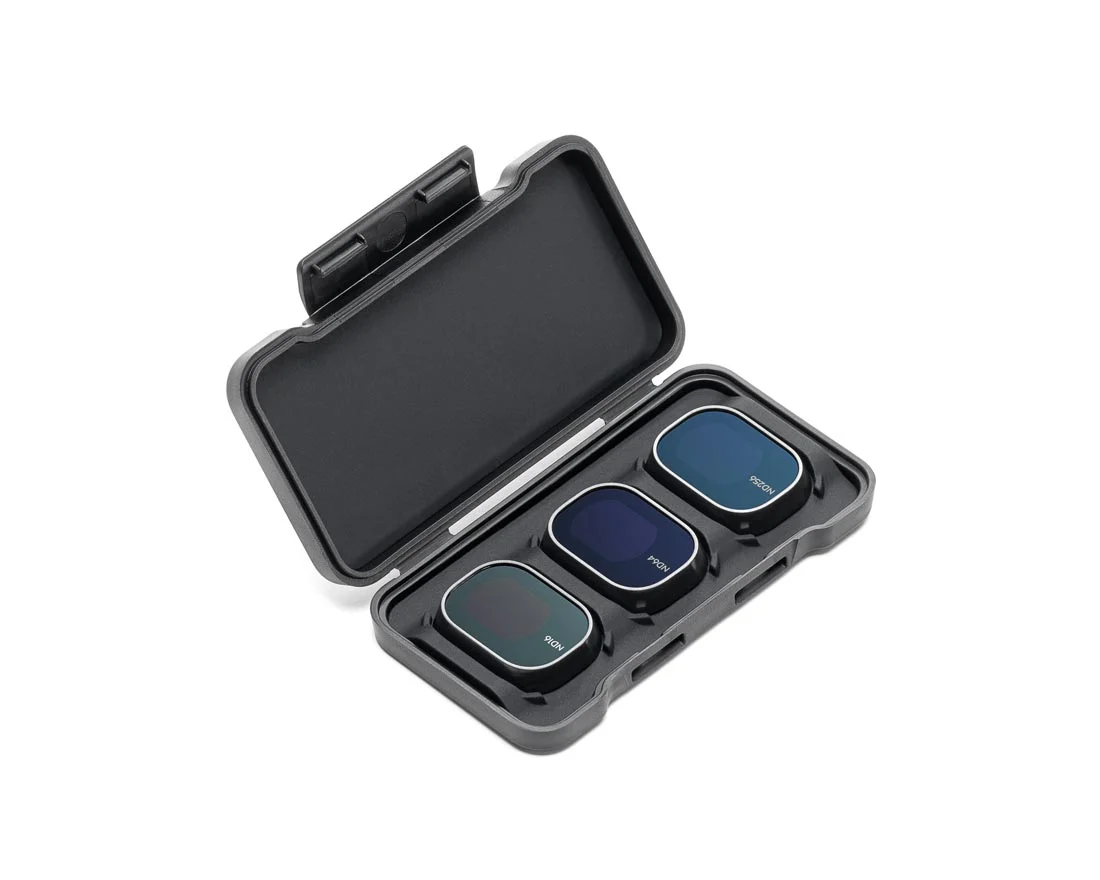
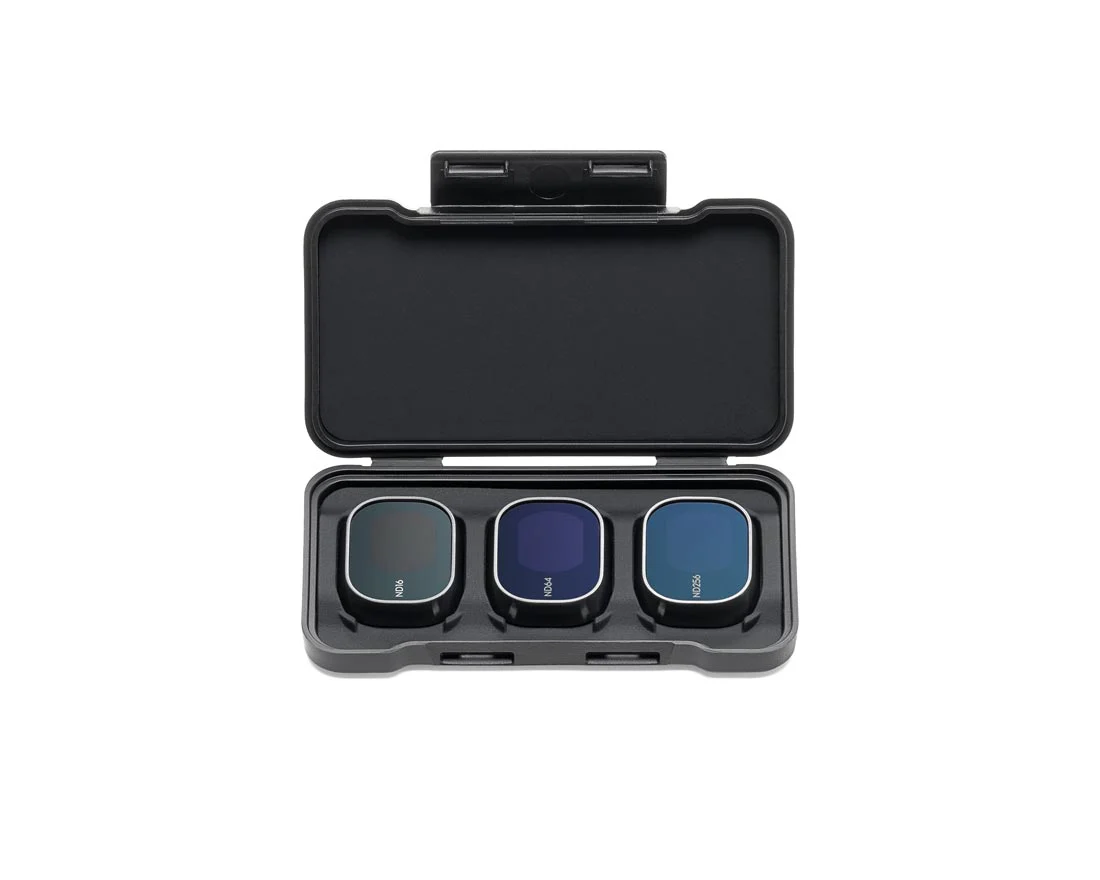
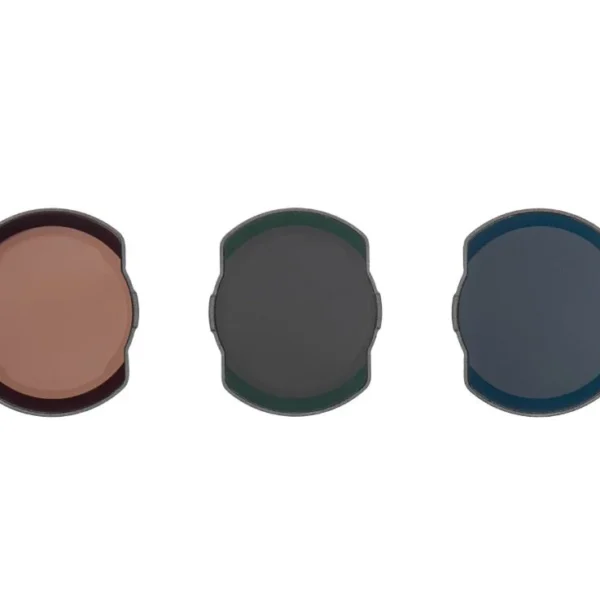
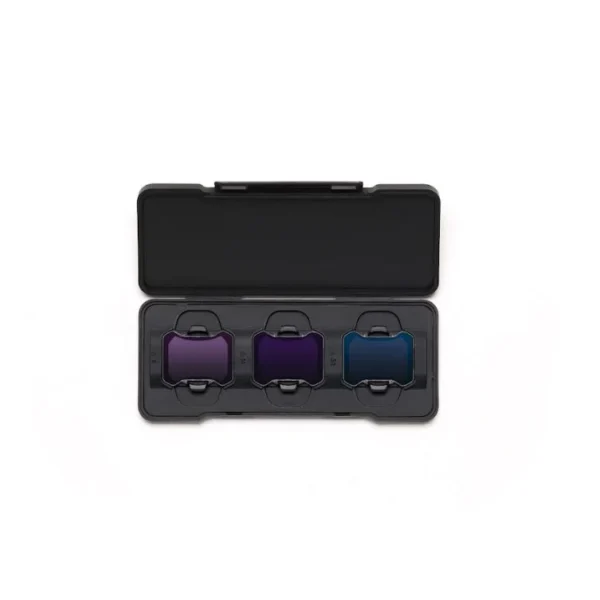
The set includes ND16, ND64, and ND256 neutral density filters, giving you a choice of light-reduction strengths for different lighting conditions and creative shooting goals.
By reducing the light reaching the camera sensor, ND filters can help you use slower shutter speeds when appropriate, creating more natural motion blur in video or creative blur effects in photography.
Whether you’re filming landscapes in strong sunlight, recording moving subjects, or exploring long-exposure timelapse techniques, this ND filter set gives you additional control over the look of your footage.
Better Exposure Control in Bright Lighting
Strong sunlight can make it difficult to use slower shutter speeds without overexposing your footage.
The DJI Mini 4 Pro ND Filter Set helps address this challenge by reducing the amount of light entering the camera.
Neutral density filters are especially useful when filming outdoors in bright conditions, where you may want to maintain a particular shutter speed for a specific visual effect.
Instead of relying only on exposure adjustments within the camera, the appropriate ND filter adds a physical level of light control.
The result is greater flexibility when balancing shutter speed, ISO, and available light for your intended shot.
ND16 Filter – Flexible Light Reduction
The ND16 filter reduces incoming light by four stops, allowing approximately one-sixteenth of the original light to pass through.
It is a useful option when you want moderate light reduction during daytime shooting.
For aerial videography, ND16 can help you maintain a slower shutter speed than would otherwise be possible in the same lighting conditions.
The appropriate filter depends on the time of day, weather, camera settings, and the effect you want to create.
ND64 Filter – Stronger Control for Bright Scenes
The ND64 filter provides six stops of light reduction, allowing approximately one-sixty-fourth of the original light to reach the camera.
This stronger filtration is useful for shooting in very bright conditions, such as sunny landscapes or highly reflective outdoor environments.
It can also provide additional flexibility when adjusting shutter speed for creative video and photography techniques.
When using ND64, check your exposure carefully to avoid making the scene too dark.
ND256 Filter – Creative Long-Exposure Possibilities
The ND256 filter delivers eight stops of light reduction, allowing approximately one-two-hundred-fifty-sixth of the original light to pass through.
As the strongest filter in this set, ND256 is intended for situations where substantial light reduction is needed.
It can be useful when experimenting with longer shutter speeds in bright environments, including supported long-exposure photography or timelapse shooting modes.
For example, longer exposures may allow moving water or other motion in a scene to appear blurred, depending on the subject and camera settings.
ND256 is not necessarily the best choice for everyday shooting. Select it when the available light and desired exposure make a high level of filtration appropriate.
Create More Natural Motion Blur in Aerial Video
Motion blur is an important element of how movement appears in recorded video.
In bright daylight, using a slower shutter speed can be difficult because too much light may reach the camera sensor.
ND filters help reduce incoming light, allowing videographers greater flexibility when choosing shutter speeds for moving subjects and camera movements.
For example, when recording at 30 frames per second, some filmmakers aim for a shutter speed near 1/60 second as a creative starting point.
The exact settings should be adjusted for the scene, lighting, camera capabilities, and desired appearance.
An ND filter does not automatically improve video quality. It is a tool for controlling exposure and creative motion rendering.
Explore Long-Exposure Photography and Timelapse
Long-exposure photography can create distinctive results by recording movement over a longer shutter interval.
Depending on the scene, this technique can produce smooth-looking water, motion trails, or blurred moving objects.
The DJI Mini 4 Pro ND16/64/256 filter set provides different levels of light reduction, helping photographers experiment with supported exposure settings.
These filters can also be helpful when creating timelapse sequences in strong lighting, where exposure consistency and shutter-speed choices influence the appearance of movement.
For the best results, use a supported camera shooting mode, confirm exposure settings, and consider aircraft stability and environmental conditions.
Which DJI Mini 4 Pro ND Filter Should You Use?
Each filter in the set provides a different level of light reduction.
| Filter | Light Reduction | Suggested Use |
|---|---|---|
| ND16 | 4 Stops | Moderate light reduction for daytime shooting |
| ND64 | 6 Stops | Stronger filtration for bright sunlight |
| ND256 | 8 Stops | Heavy filtration for creative longer exposures in bright light |
These are general shooting examples rather than fixed rules. Always check the camera’s exposure display and adjust your settings for the actual conditions.
Designed for DJI Mini 4 Pro
This ND filter set is designed for the DJI Mini 4 Pro camera system.
Using filters intended for your aircraft model is important for proper camera compatibility and installation.
Before purchasing, confirm that your drone is the DJI Mini 4 Pro and that the selected filter set matches your camera.
Compatibility with DJI Mini 3 Pro, DJI Mini 5 Pro, or other DJI aircraft should not be assumed based on similar model names.
Tips for Using ND Filters
- Select the filter based on the available light and your desired shutter speed.
- Check camera exposure after installing or changing a filter.
- Use the appropriate supported shooting mode for video, photography, or timelapse.
- Inspect the filter for dust, fingerprints, or damage before filming.
- Install and remove filters according to DJI’s instructions.
- Keep filters safely stored when not in use.
- Confirm that the camera and gimbal operate normally before takeoff.
Key Features
- DJI Mini 4 Pro ND Filter Set
- Includes ND16, ND64, and ND256 filters
- 4-stop, 6-stop, and 8-stop light reduction options
- Helps manage exposure in bright conditions
- Provides additional shutter-speed flexibility for video
- Useful for creative motion blur effects
- Supports long-exposure photography techniques in suitable shooting modes
- Practical for aerial timelapse experimentation
- Designed for DJI Mini 4 Pro camera compatibility
Specifications
| Specification | Details |
|---|---|
| Product Name | DJI Mini 4 Pro ND Filter Set |
| Brand | DJI |
| Designed Camera | DJI Mini 4 Pro |
| Accessory Type | Neutral Density Camera Filter Set |
| Included Filter Types | ND16, ND64, ND256 |
| ND16 Strength | 4 Stops / 1/16 Light Transmission |
| ND64 Strength | 6 Stops / 1/64 Light Transmission |
| ND256 Strength | 8 Stops / 1/256 Light Transmission |
| Primary Function | Reducing Incoming Light for Exposure Control |
| Typical Applications | Bright-Light Video, Creative Long Exposure, Timelapse |
What’s Included
- 1 × DJI Mini 4 Pro ND16 Filter
- 1 × DJI Mini 4 Pro ND64 Filter
- 1 × DJI Mini 4 Pro ND256 Filter
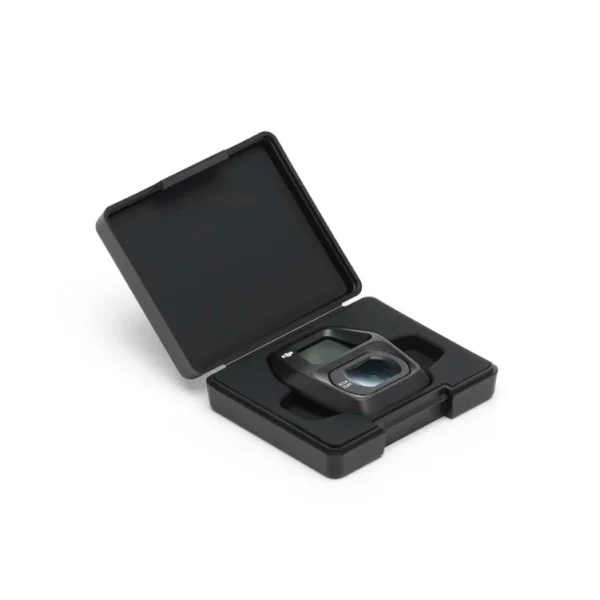
This listing is for the ND filter set. The DJI Mini 4 Pro aircraft and other camera accessories are not included unless separately specified. Check the final SKU packaging details for any additional storage accessories.
Frequently Asked Questions
What filters are included in the DJI Mini 4 Pro ND Filter Set?
The set includes three neutral density filters: ND16, ND64, and ND256. Each provides a different amount of light reduction for controlling exposure.
What do ND16, ND64, and ND256 mean?
The numbers describe the strength of the light reduction. ND16 reduces light by four stops, ND64 by six stops, and ND256 by eight stops.
Why use ND filters on DJI Mini 4 Pro?
ND filters reduce incoming light, providing greater control over shutter speed in bright environments. They can be useful for cinematic video motion blur, creative photography, and supported timelapse techniques.
Which ND filter should I use on a sunny day?
The best choice depends on the actual brightness and your target exposure settings. ND16 offers moderate light reduction, ND64 provides stronger filtration, and ND256 is intended for situations requiring substantial light reduction.
Can these filters help with long-exposure photography?
Yes. By reducing the amount of light reaching the camera, ND filters can make longer shutter speeds possible in suitable conditions and supported shooting modes. The resulting effect depends on camera settings, subject movement, and aircraft stability.
Do ND filters make DJI Mini 4 Pro video smoother?
ND filters can help you choose shutter speeds that produce more natural-looking motion blur. They do not increase video frame rate, improve image stabilization, or automatically correct exposure.
Will these ND filters fit DJI Mini 3 Pro?
This set is designed for DJI Mini 4 Pro. Compatibility with DJI Mini 3 Pro or other aircraft has not been confirmed for this product.
Are ND filters useful for timelapse videos?
Yes. ND filters can help control exposure when experimenting with timelapse and longer-exposure techniques in bright conditions. Select a supported camera mode and adjust the shutter speed according to your intended result.


Reviews
There are no reviews yet.