

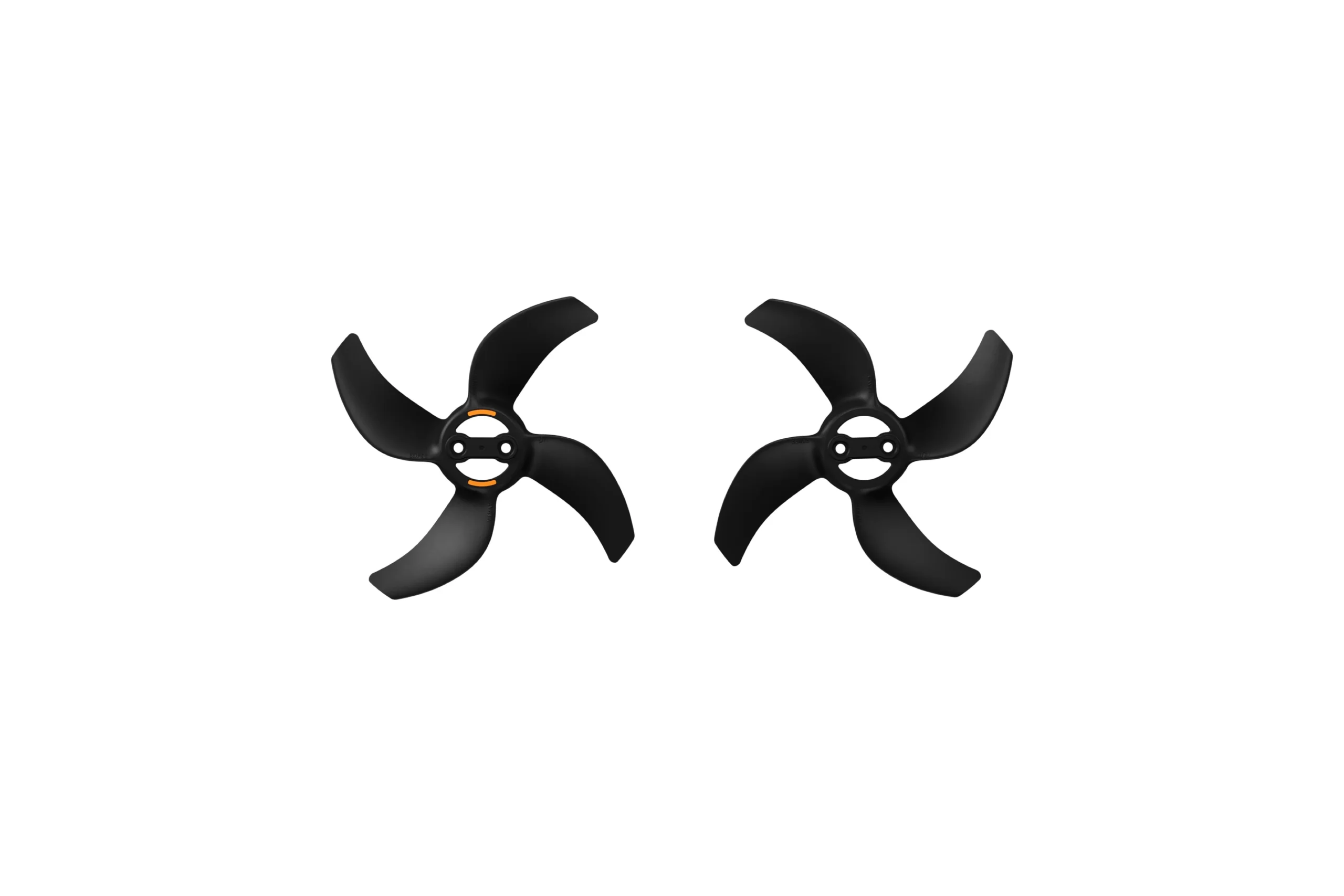
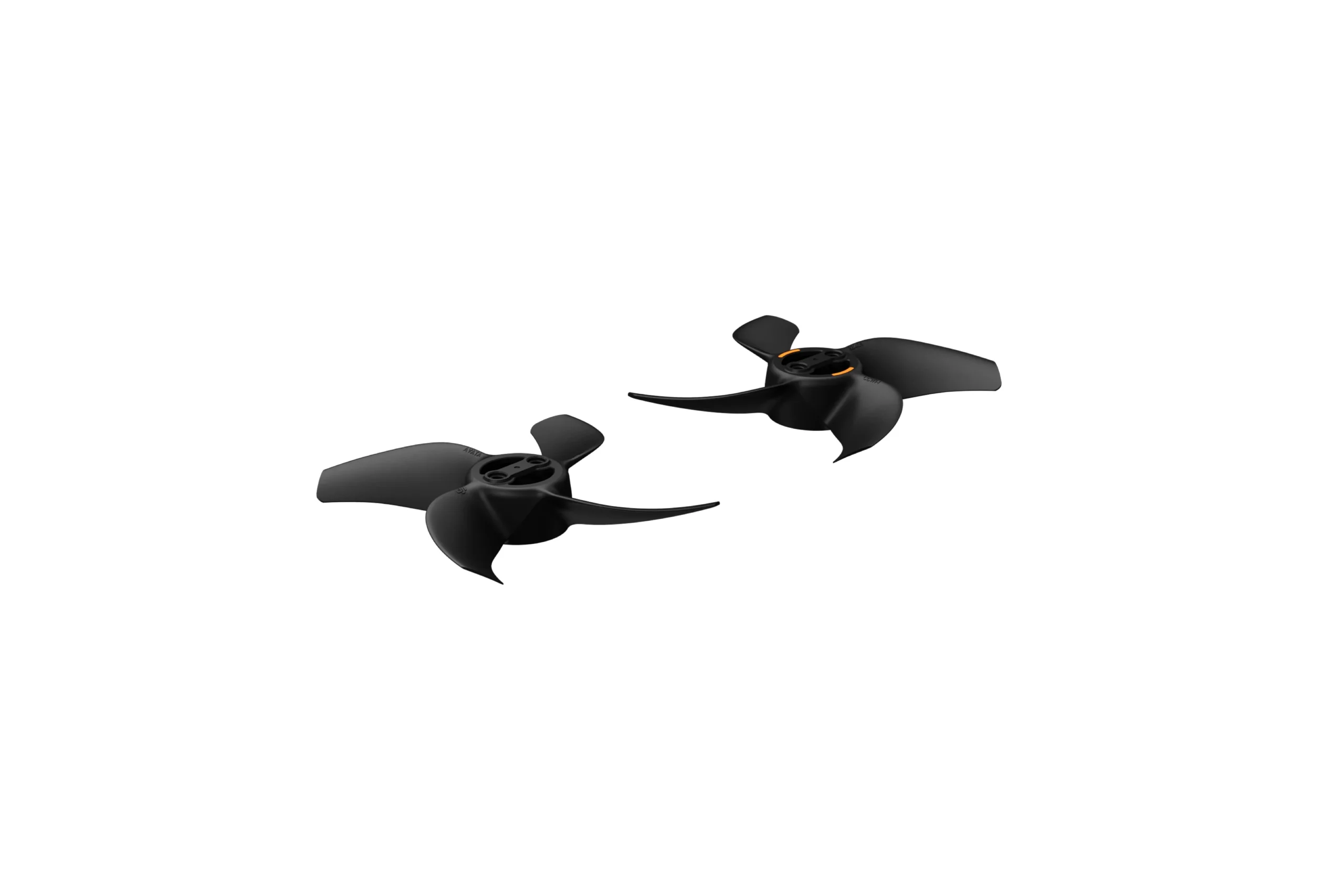
DJI Avata 360 Propellers – Efficient & Stable Propulsion
Keep your aircraft’s propulsion system properly
equipped with the DJI Avata 360 Propellers.
Designed to provide efficient and stable
propulsion, these propellers are intended
for DJI Avata 360 and require correct matching
with the aircraft’s corresponding motors.
When replacing propellers, it is important
to follow the marked and unmarked motor
matching instructions, replace the mounting
screws, and use the appropriate screwdriver.
Damaged propellers should be replaced
as soon as possible.
Efficient and Stable Propulsion for DJI Avata 360
The DJI Avata 360 Propellers
are designed to deliver efficient
and stable propulsion for the aircraft.
Propellers are essential components
of a drone’s flight system.
They generate the thrust needed
for the aircraft to operate,
making correct propeller selection
and installation important considerations.
When maintaining your DJI Avata 360,
choose propellers intended for the
correct aircraft model and follow
the specified installation requirements.
CW and CCW Propellers Require Correct Matching
DJI Avata 360 uses propellers
associated with two motor rotation
directions: clockwise (CW)
and counter-clockwise (CCW).
Propellers on adjacent motors
correspond to opposite rotation directions.
For correct installation,
follow the marking system
described for the aircraft.
Do not interchange marked
and unmarked propellers
between the corresponding motors.
Marked Propeller
Attach the marked propeller
to the corresponding
marked motor.
Unmarked Propeller
Attach the unmarked propeller
to the corresponding
unmarked motor.
Important Installation Note:
Always follow the aircraft’s actual
motor and propeller markings.
The supplied information does not specify
whether the marked propeller represents
the CW or CCW direction.
Do not identify propeller position
from an assumed rotation-to-marking relationship.
Replace the Mounting Screws with Every Propeller Replacement
When replacing DJI Avata 360 propellers,
the mounting screws must also be replaced.
Use the replacement screws provided
in the propeller package and ensure
they are firmly tightened.
Do not reuse the previous screws
during a propeller replacement.
Use the Screwdriver Provided in the Package
The supplied product instructions recommend
using the screwdriver provided
in the propeller package
for installation and removal.
Using a screwdriver with the wrong size
may damage or strip the propeller screws.
This could make the screws difficult
or impossible to remove.
Follow the applicable DJI replacement
instructions and use the recommended
tool when working with propeller hardware.
Use the Supplied Screwdriver
The package-provided screwdriver
is recommended for both
propeller installation
and removal.
Avoid Incorrect Tool Sizes
An incorrectly sized screwdriver
may strip the screws
or prevent successful
disassembly.
Important DJI Avata 360 Propeller Replacement Guidelines
The following points summarize
the key installation and maintenance
instructions provided for
DJI Avata 360 propellers.
Match Propellers to Motors
Install marked propellers
on marked motors and
unmarked propellers
on unmarked motors.
Replace the Screws
Use new screws from
the propeller package
whenever replacing
the propellers.
Use the Correct Screwdriver
The supplied screwdriver
is recommended to avoid
damaging the screw heads
during installation or removal.
Tighten and Inspect
Ensure the replacement screws
are firmly tightened.
Replace damaged propellers
as soon as possible.
These guidelines summarize the supplied product
information. They are not a complete mechanical
installation procedure. Follow the applicable
DJI instructions for your aircraft.
Replace Damaged Propellers Promptly
Propellers should be checked
as part of your regular
aircraft inspection routine.
The DJI Avata 360 propeller instructions
recommend replacing damaged propellers
as soon as possible.
Do not continue operating the aircraft
with damaged propellers.
When installing replacements,
follow the correct motor markings,
use new screws, and ensure
the installation is secure
before flying.
Designed for DJI Avata 360
This product is identified specifically
as DJI Avata 360 Propellers.
When purchasing replacement propellers,
match the product to the exact aircraft
model you own.
The original DJI Avata,
DJI Avata 2, and DJI Avata 360
are different aircraft models.
Propeller compatibility should not
be assumed across these generations.
Compatibility Reminder:
These propellers are described
for DJI Avata 360.
The supplied information does not establish
compatibility with DJI Avata 2,
the original DJI Avata,
or other DJI drone models.
DJI Avata 360 Propellers Package Information
The supplied product instructions reference
propellers, replacement screws,
and a screwdriver provided
in the propeller package.
Exact propeller count, screw count,
and any additional package items
were not specified in the supplied description.
Confirm the exact retail package configuration
before ordering.
DJI Avata 360 Propellers Specifications
Frequently Asked Questions
What are DJI Avata 360 Propellers designed for?
They are designed to offer efficient
and stable propulsion for
the DJI Avata 360 aircraft.
What is the difference between CW and CCW propellers?
CW refers to clockwise rotation,
while CCW refers to counter-clockwise rotation.
Adjacent DJI Avata 360 motors correspond
to opposite rotation directions.
Follow the marked and unmarked
component matching instructions.
How do I match DJI Avata 360 propellers to the motors?
Install marked propellers
on marked motors and unmarked
propellers on unmarked motors.
Follow the aircraft’s actual
markings and applicable DJI instructions.
Do I need to replace the screws when changing propellers?
Yes. The supplied instructions
state that screws must be replaced
whenever the propellers are replaced.
Use the screws provided
in the propeller package
and tighten them securely.
Is a screwdriver included with DJI Avata 360 Propellers?
The supplied product information
refers to a screwdriver provided
in the package and recommends
using it for propeller installation
and removal.
Can I use a different screwdriver?
The supplied instructions recommend
using the package-provided screwdriver.
An incorrectly sized screwdriver
may strip the screws or make
disassembly impossible.
When should damaged propellers be replaced?
Damaged DJI Avata 360 propellers
should be replaced as soon as possible.
Do not fly with damaged propellers.
Are DJI Avata 360 Propellers compatible with DJI Avata 2?
This product is identified for
DJI Avata 360. Compatibility
with DJI Avata 2 has not
been confirmed by the supplied information.
How many propellers are included?
The supplied product description
does not confirm the number
of propellers or propeller pairs
in the retail package.
Confirm the exact quantity before ordering.
Motor Matching:
Marked propellers must be installed
on marked motors, and unmarked propellers
on unmarked motors. Follow the applicable
DJI instructions for correct placement.
Screws & Tools:
Replace mounting screws whenever replacing
the propellers. Use the supplied replacement screws
and firmly tighten them. The package-provided
screwdriver is recommended for installation
and removal to avoid damaging screw heads.
Propeller Condition:
Damaged propellers should be replaced
as soon as possible. Do not operate
the aircraft with damaged or
incorrectly installed propellers.
Product Specifications:
Exact propeller quantity, screw quantity,
dimensions, material, weight,
and acoustic performance were not specified
in the supplied product information.
Efficient Propulsion with Proper Propeller Replacement
The DJI Avata 360 Propellers
are designed for efficient and stable
aircraft propulsion. Follow the correct
marked and unmarked motor matching system,
replace mounting screws during installation,
and use the recommended tools
to maintain your DJI Avata 360 setup.

Reviews
There are no reviews yet.